
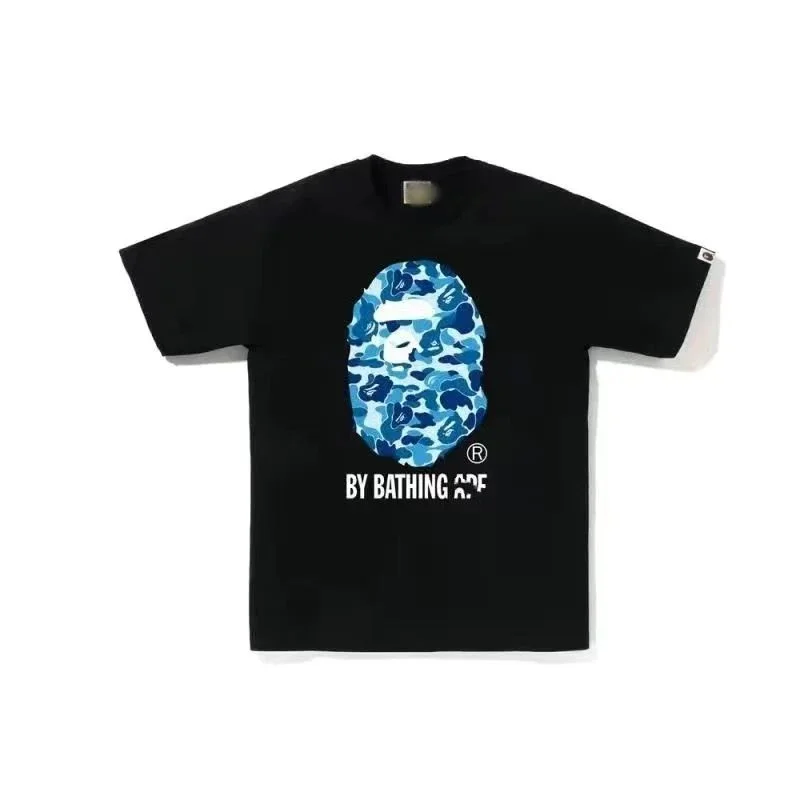
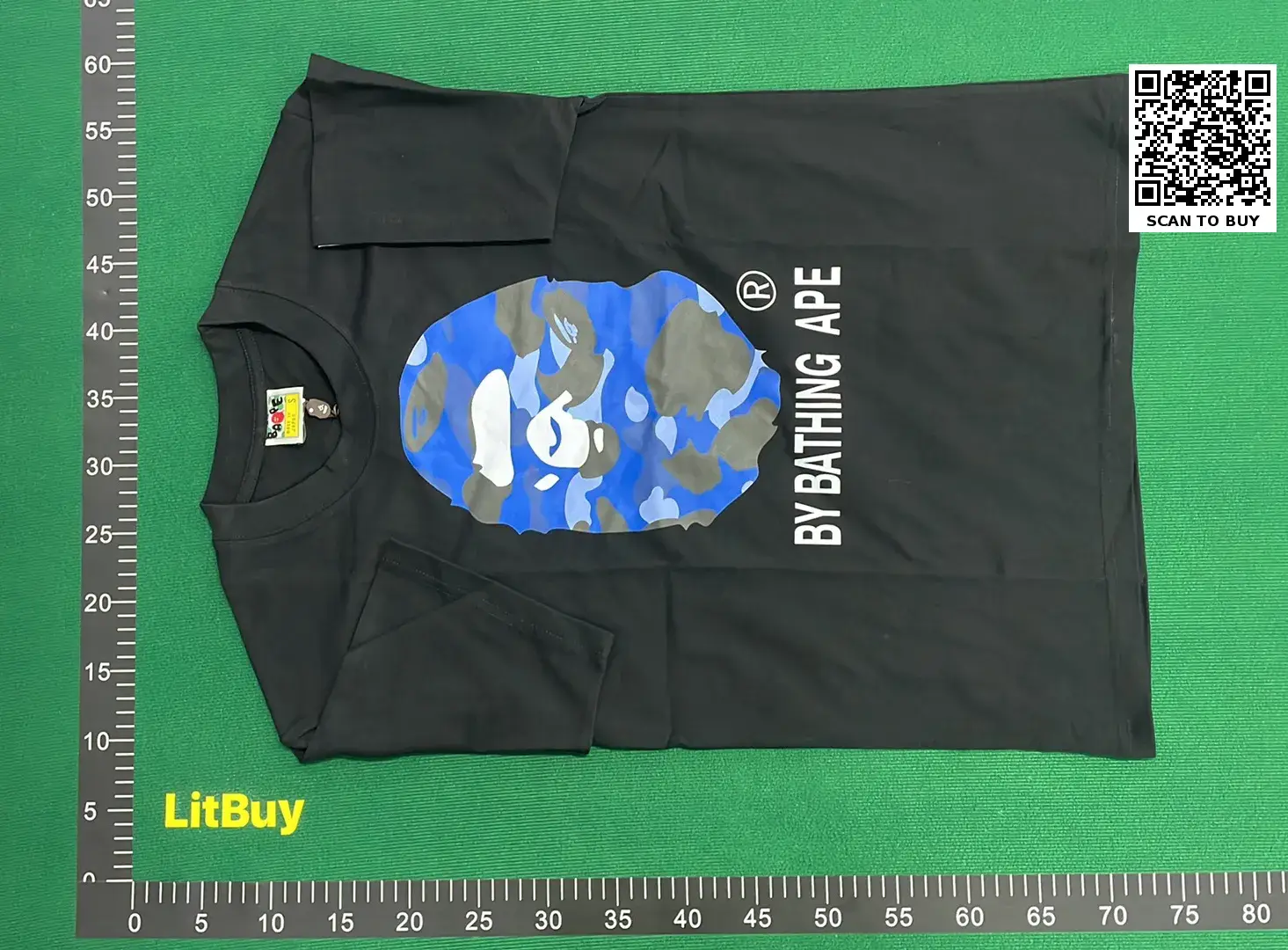
 Link activePopularHover for QC
Compare current t-shirts records, then verify the exact variant and destination before continuing.
Link activePopularHover for QCUse the reference price only as a starting point. Confirm current availability, dimensions, color, materials and QC evidence on the destination page. Similar thumbnails can represent different batches or variants.
Read the spreadsheet workflow →For T-shirt finds, prioritize measurable fit and graphic placement over a polished catalog photo. The same design may appear on different blanks, so check the selected color, collar shape, fabric appearance and flat measurements in the warehouse record.
Use the complete QC photo checklist →Use pit-to-pit width and total length to estimate fit; compare both with a T-shirt that already fits you well.
Check centering, scale, color and visible print edges on the exact front or back panel shown in the QC photos.
Look for an even neckline, straight shoulder seams and a level bottom hem before approving the selected item.
No. Seller labels are not a universal measurement. Flat chest width and garment length provide a more useful comparison than the letter on the tag.
Ask for a flat full view, the selected size label, chest and length measurements, and a closer image of the main graphic when placement or print quality matters.